
Basic Computer Troubleshooting Tips for Beginners
 |
Computer Troubleshooting |
Computers are an integral part of our daily lives, but they can occasionally give us headaches with technical issues. Don't worry; many common computer problems can be resolved easily, even if you're not a tech expert. In this article, we'll share some basic computer troubleshooting tips that every beginner should know.
1. Restart Your Computer
 |
| Restart your Computer |
Before diving into complex solutions, try the simplest one first – restart your computer. Many problems can be resolved by a simple reboot. It refreshes the system and can clear out temporary glitches.
2. Check Your Connections
-Step-3-Version-4.jpg/aid3928-v4-728px-See-Active-Network-Connections-(Windows)-Step-3-Version-4.jpg.webp "how do you check your internet connection?") |
| https://www.wikihow.com/images/thumb/4/43/See-Active-Network-Connections-%28Windows%29-Step-3-Version-4.jpg/aid3928-v4-728px-See-Active-Network-Connections-%28Windows%29-Step-3-Version-4.jpg.webp |
Make sure all cables and connections are secure. Loose cables can cause issues with power, display, or peripherals. If you're using a wireless connection, ensure your Wi-Fi is working correctly.
3. Update Your Software
 |
| https://www.ncsc.gov.uk/images/Updates.jpg |
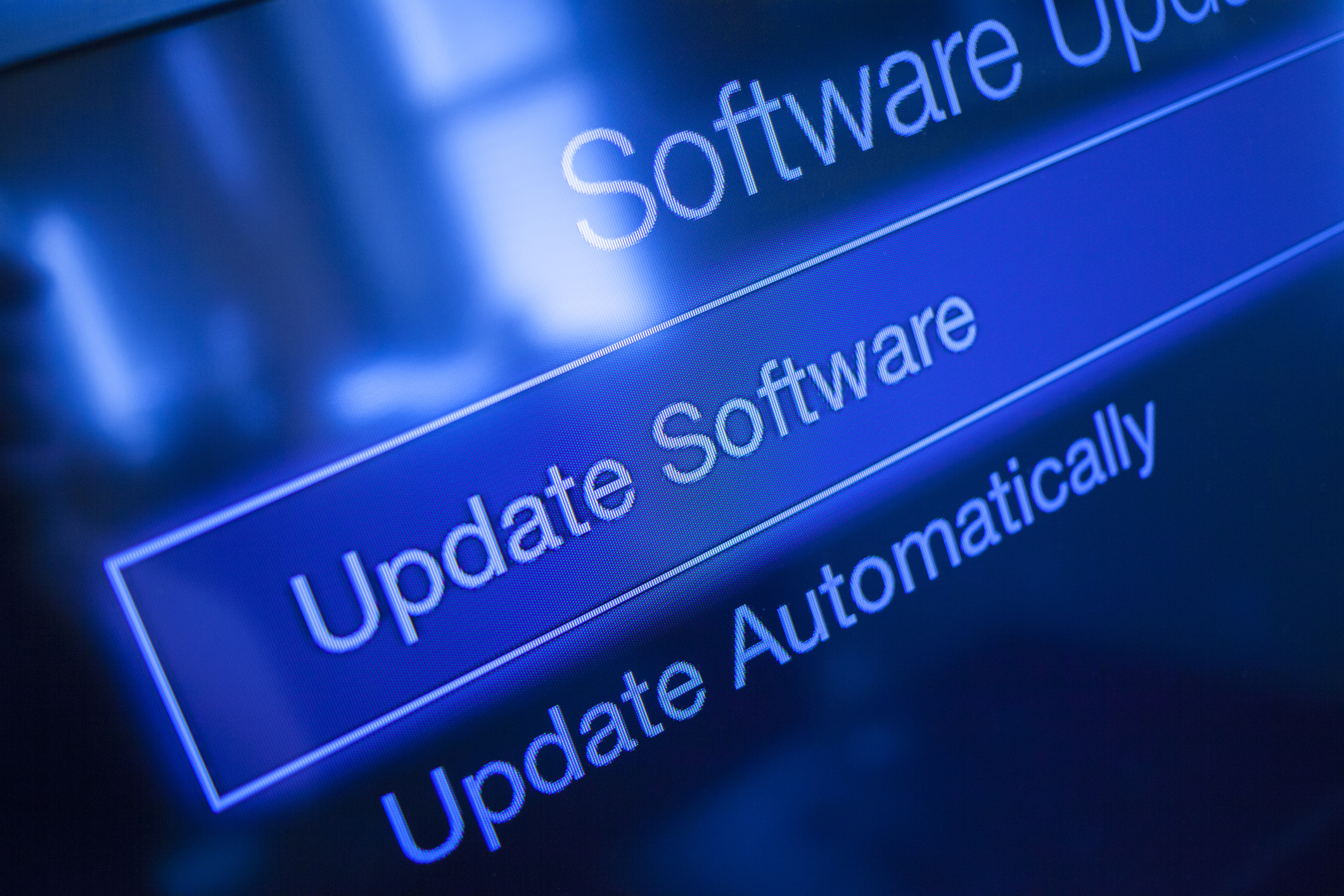
Outdated software, including the operating system and drivers, can lead to various issues. Regularly check for updates and install them to keep your computer running smoothly and securely.
4. Scan for Malware
 |
| https://malware.expert/wp-content/uploads/2018/08/Malware-Scanner-and-Removal.png |
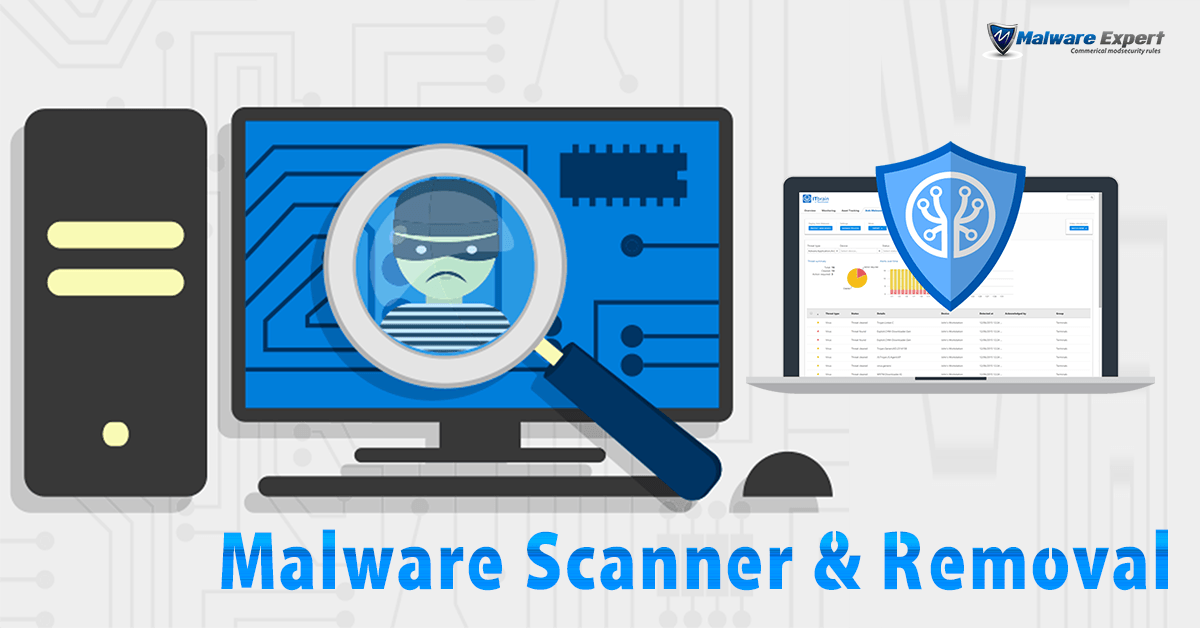
If your computer is slow or behaving strangely, it might be infected with malware. Run a reputable antivirus or anti-malware scan to remove any threats.
5. Clear Temporary Files
:max_bytes(150000):strip_icc()/delete-temp-files-windows-5966326b3df78c160ee518c7.PNG "How To Delete Temporary Files in Windows PC") |
| https://www.lifewire.com/thmb/tdhlT3-cj-9IQmNrmlrlgpSkRIE=/1500x0/filters:no_upscale():max_bytes(150000):strip_icc()/delete-temp-files-windows-5966326b3df78c160ee518c7.PNG |
Over time, your computer accumulates temporary files that can slow it down. Use the built-in tools like Disk Cleanup (Windows) or Disk Utility (macOS) to remove unnecessary files.
Remember, it's okay to ask for help or seek professional assistance if needed. With these basic troubleshooting tips, you can often resolve common computer issues and keep your system running smoothly. Happy computing!
Join our online community! Follow Jansher Ameer's social
accounts for the latest tech insights, helpful tips, and engaging content. Stay
connected and never miss an update from our technology enthusiast


0 Comments